Filtering consultations
Follow these steps to filter your consultations:
-
Choose Consultations from the side menu.
-
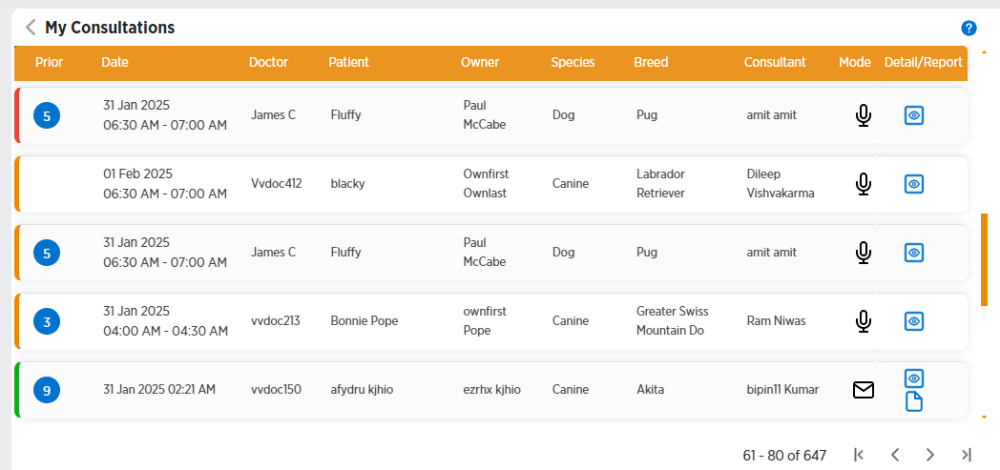
Click View All Consultations below the Pending Consultations section.
-
Enter or choose information in the Filters section on the right side of the screen to filter your consultations.
-
Click Apply to display the filtered consultations that match your search results.
-
To clear your filters, click Clear All at the top of the Filters section.