Rescheduling or canceling a consultation
You can reschedule a Zoom consultation or cancel any consultation from the Pending Consultations section of the Consultations page.
Rescheduling a Zoom consultation
Follow these steps to reschedule a pending Zoom consultation.
-
Choose Consultations from the side menu.
-
Click
 to the right of the consultation that you want to reschedule or cancel.
 -
Click Reschedule Appt.
-
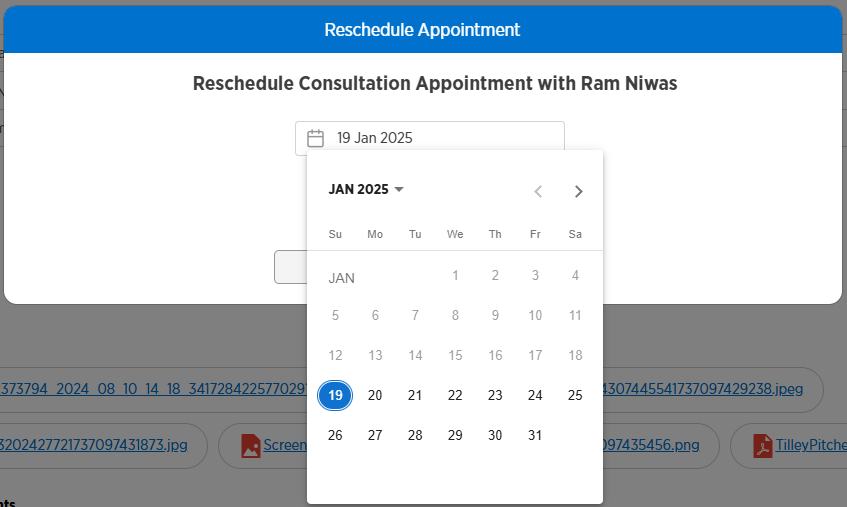
Click the date of the appointment.
-
Choose a new date from the calendar.
-
Click a new time from the options shown.
-
Click Reschedule.
-
Click OK.
Canceling a consultation
Follow these steps to cancel a pending consultation.
-
Choose Consultations from the side menu.
-
Click
to the right of the consultation that you want to reschedule or cancel. -
Click Cancel Appt.
-
Click Yes - Cancel.
-
Click OK.