Adding or changing your Zoetis Reference Laboratories (ZRL) or In Clinic provider ID
Follow these steps to add or change your ZRL or In Clinic provider ID.
Note: The Doctor ID Management section is only displayed for users with a doctor or clinic administrator role.
-
Click your name from any page in ZoetisDx.
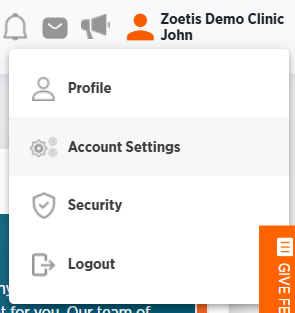
-
Choose Account Settings.
-
Click Doctor ID Management.
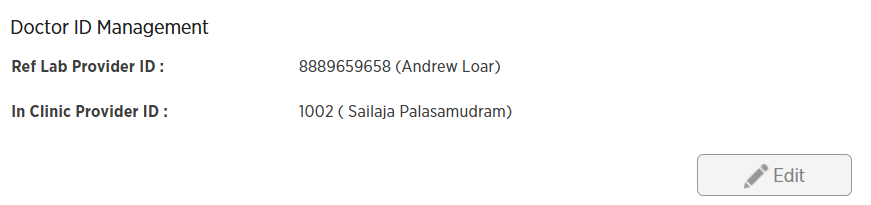
-
Click Edit.
-
Choose your desired Ref Lab Provider ID and In Clinic Provider ID. If your provider ID is missing from the list, contact your clinic administrator.
-
Click Save, or click Cancel to exit without saving.