Changing your name
Follow these steps to edit your name.
-
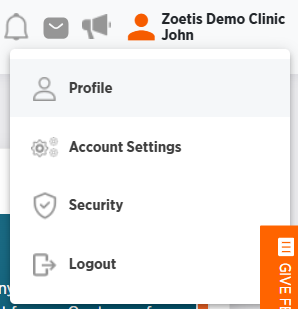
Click your name from any page in ZoetisDx.
-
Choose Profile.
-
Edit your name.
-
Click Save to save your changes or use your browser's back button to exit without saving.