Viewing notifications and alerts
You can view your notifications and alerts from most pages in ZoetisDx.

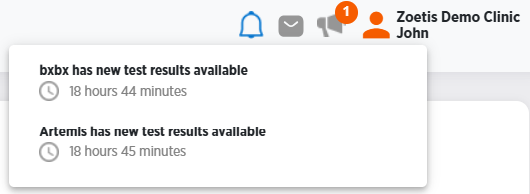
If you have notifications, there will be a number in blue next to the bell notification icon.
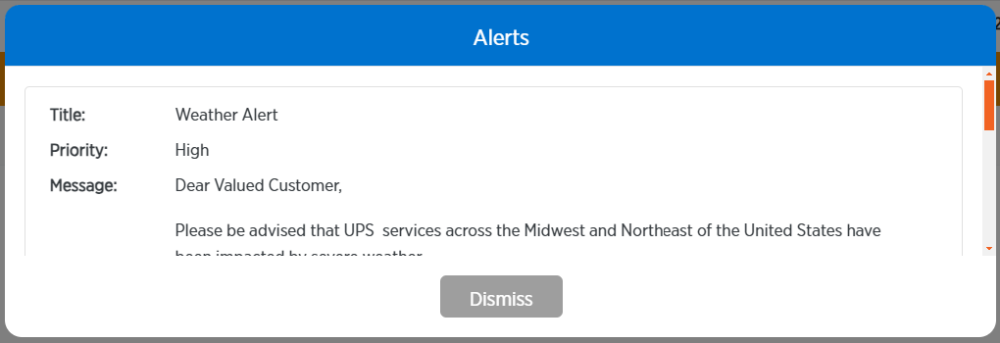
If you have alerts, there will be a number in orange next to the megaphone alert icon.
Viewing notifications
Follow these steps to view notifications.
-
Click
 .
.
-
Click on a notification to get more information.
Viewing alerts
Follow these steps to view alerts.
-
Click
 .
.
-
Use the orange bar at the side of the alert to scroll through it.
-
Click Dismiss to return to the page you were viewing.