Creating a UPS shipping label
Follow these steps to create a UPS shipping label.
-
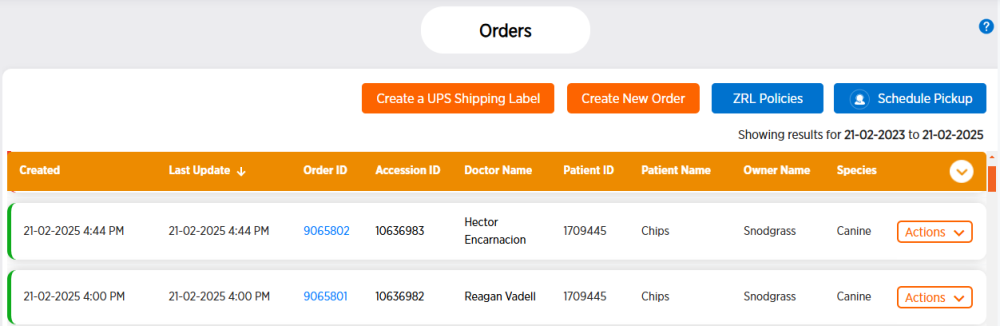
From the side menu, choose Orders.
-
Click Create a UPS Shipping Label. The Zoetis Reference Laboratories (ZRL) Guest Access Login screen opens in a new tab.
-
Click Continue As Guest.
-
Fill in information specific to your clinic in the designated fields. Required fields are marked with a
 .
. -
Click Process Shipment to create the UPS shipping label. The
-
Print the document to use as the UPS shipping label.