Requesting a consultation from an order
You request a consultation from the Actions menu to the right of any order on the Orders page.
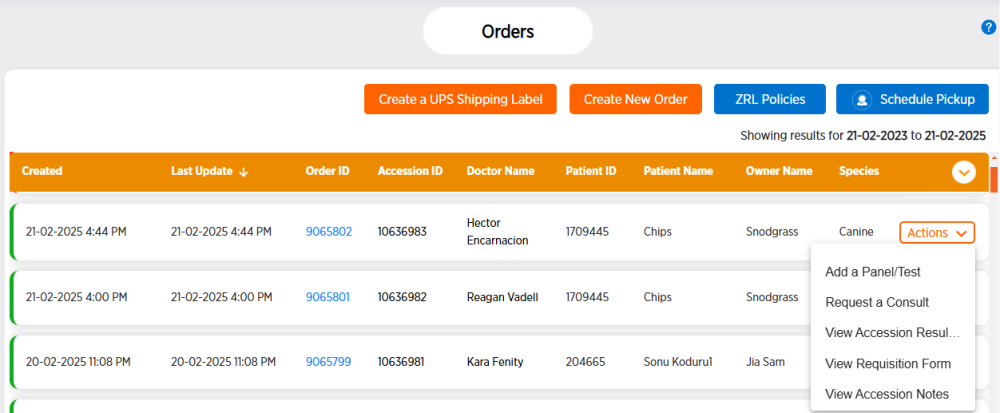
Follow these steps to request a consultation for a specific order.
-
From the side menu, choose Orders.
- Locate the desired order row, then click Actions at the right end of the row.
-
Choose Request a Consult.
-
Follow the steps in scheduling a consultation.