Filtering patients
Follow these steps to search for patients by filtering them.
-
Click Patients in the side menu.
-
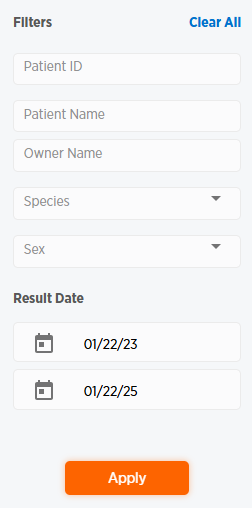
Use the Filters section on the right side of the page to filter your patient search.
-
Enter or choose filtering criteria. Click the top calendar to bring up a calendar and select a start date in the Result Date section, or the bottom calendar to select an end date.
-
Click Apply to apply the filters. The list of filtered patients appears under the Patients List section.
-
Click Clear All to remove filters.