Filtering results
Follow these steps to filter test results.
-
Choose Results from the side menu.
-
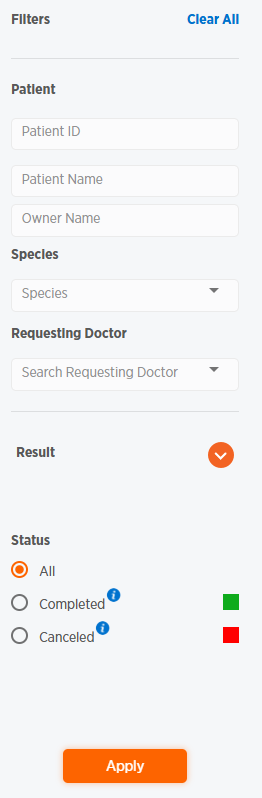
Use the Filters section to enter or choose search criteria.
-
Click
 to display calendars to choose a beginning and end date for search results. Choose a date by clicking in the date field to bring up a calendar.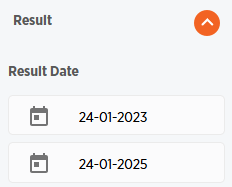
-
-
Click Apply. The Results page will now be filtered by your criteria.
-
Click Clear All at the top of the Filters section to clear filters.