Updating your ZRL account
Follow these steps to update the account information in your ZRL account.
-
Choose Support from the side menu.
-
Click Account Update in the ZRL Customer Assistance section at the bottom of the page.
-
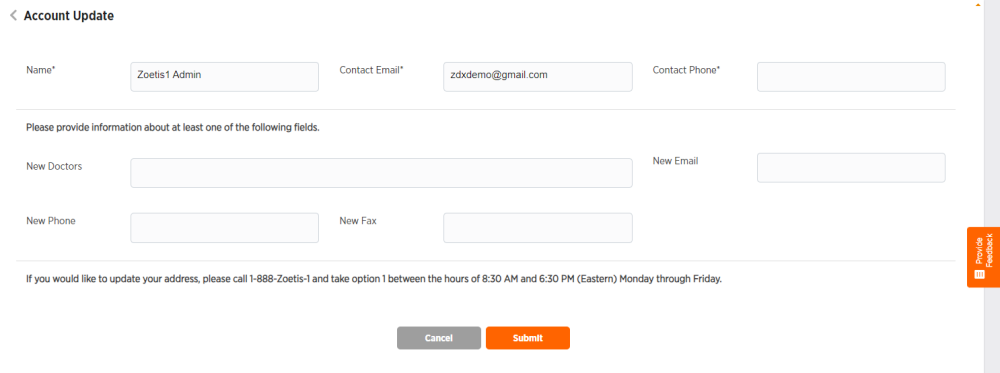
Enter desired account information. All fields marked with * are required.
-
Click Submit or Cancel to exit without submitting.