Reporting a UPS pickup issue
To report an issue with UPS picking up a sample from your clinic, follow these steps.
-
Choose Support from the side menu.
-
Click UPS Pick Up Problem/Issue in the ZRL Customer Assistance section at the bottom of the page.
-
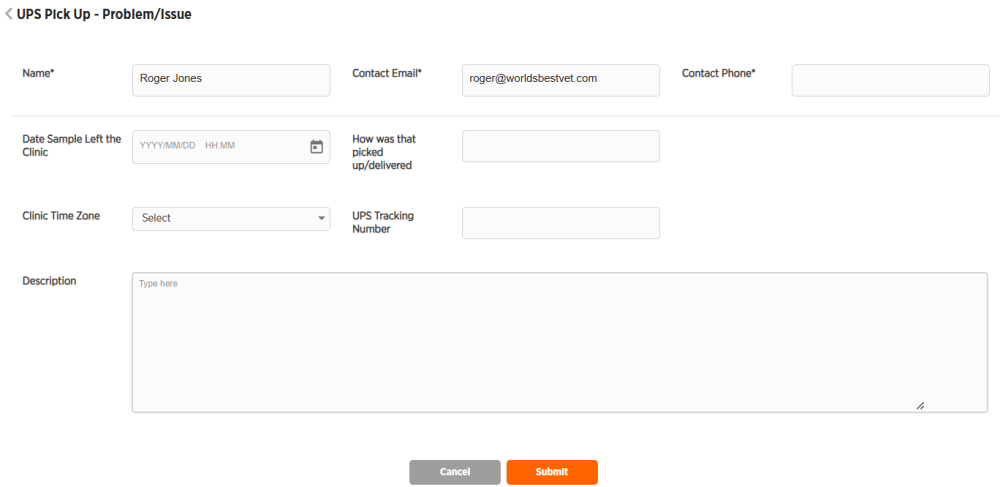
Enter desired information. Your name and email will be entered for you from your user account information. All fields marked with * are required.
-
Click Submit or Cancel to exit without submitting.