Searching for and filtering tests
Follow these steps to search for or filter tests.
Note: "Search by Test Name" is the default when searching for tests. If you want to search by test code, choose "Search All Fields" instead.
-
Click Directory of Services in the side menu.
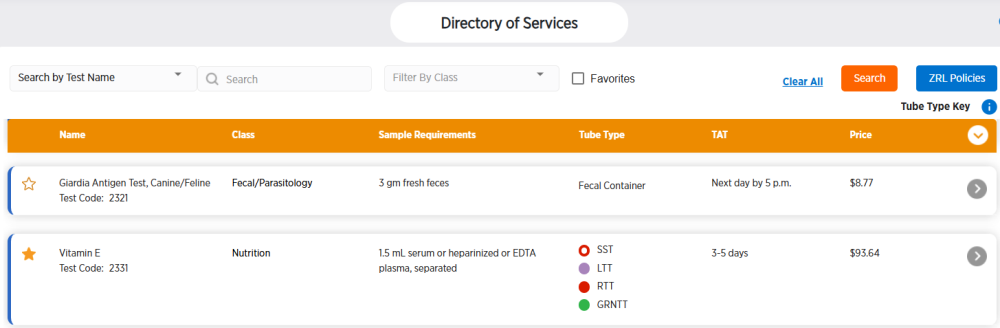
-
Enter your filter criteria at the top of the list of tests. You can choose Test Name or Search All Fields, enter text in the Search field, choose a Class, and/or select Favorites to show only tests that you have marked as a favorite.
-
Click Search.
-
The tests will be updated to match your filter criteria. Click Clear All to remove your filters.