Resetting a forgotten password
If you forgot your password, follow these steps to reset it.
-
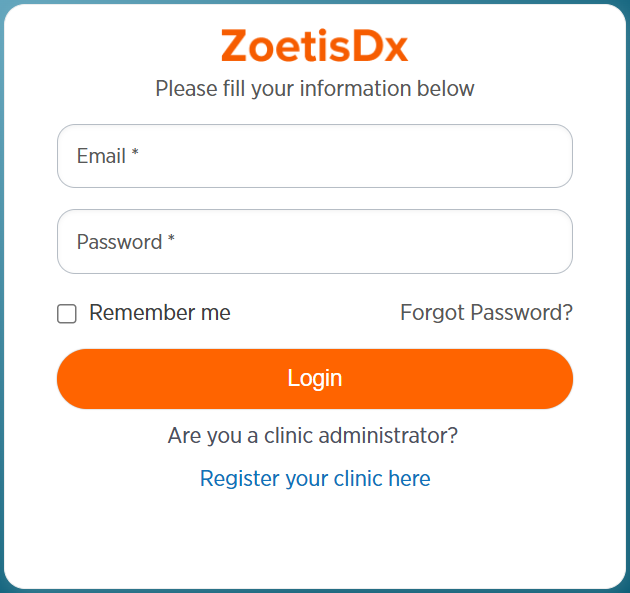
From the login screen, click Forgot Password?.
-
Enter your email and click Submit.
-
Check your email for an email with the subject "Reset your ZoetisDx Password." If you do not see the email, check your junk or spam email folder.
-
Click the link in the email to set a new password.
-
Enter your new password.
-
Enter new password again to confirm it.
-
Click Submit.
-
Click Back to Login.
-
Follow the steps in Logging in.