Adding and changing clinic information
After you register your clinic, you can add information about your clinic or change clinic information.
Adding clinic information
Follow these steps to add your clinic information.
-
Choose Clinic Mgmt from the side menu.
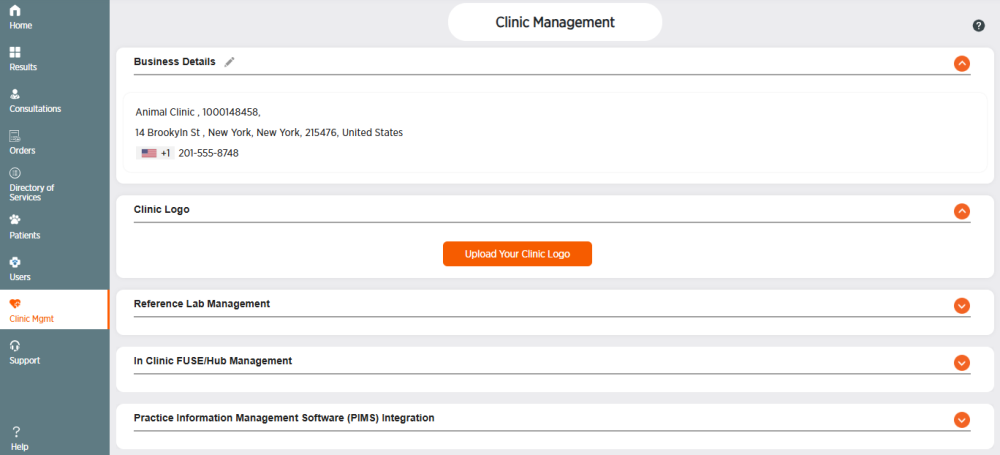
-
Click
 in the Business Details section.
 -
Enter your clinic information. Fields with a * are required.
-
Click Save or click Cancel to exit without saving.
-
Click OK.
Changing clinic information
Follow these steps to edit your clinic information.
-
Choose Clinic Mgmt from the side menu.
-
Click
in the Business Details section. -
Make changes in any of the fields.
-
Click Save or click Cancel to exit without saving.
-
Click OK.