Viewing recent consultations
The Consultations section of the Home page displays pending consultations and consultations completed in the last 30 days.
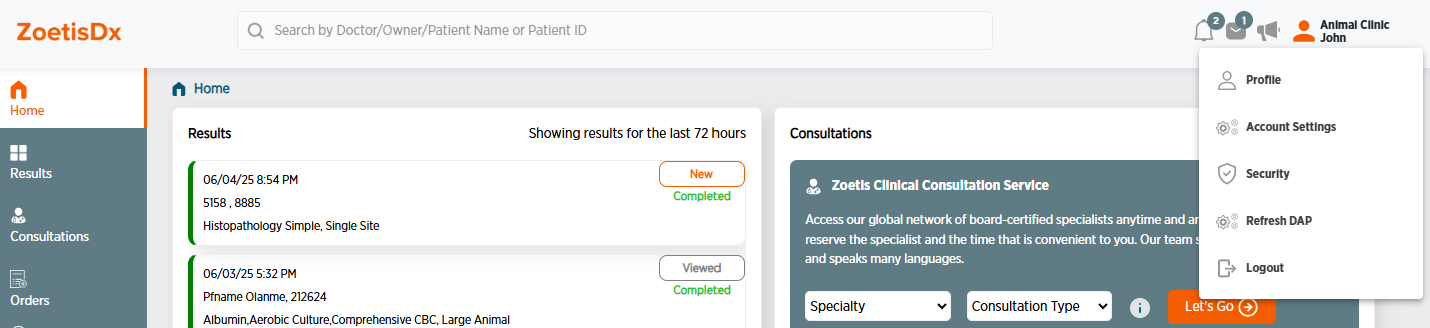
Pending Consultations are shown by default. To switch to completed consultations, click Completed Consultations on top of the list of consultations. You can also click See All Consultations to view all your consultations.
To schedule a new consultation from the home page, choose a Specialty and Consultation Type, then click Let's Go. For complete instructions on how to schedule a consultation, see Starting a consultation.
You can click Follow Up to start a follow-up consultation from a consultation in the past 30 days.