Emailing patient test results from the accession details
Follow these steps to email test results in their original format from Zoetis Reference Laboratories (ZRL) from the Viewing accession results.
Note: You can email a client-friendly version of the results from the Result Details if you prefer.
-
From the Accession Results, click
 .
.
-
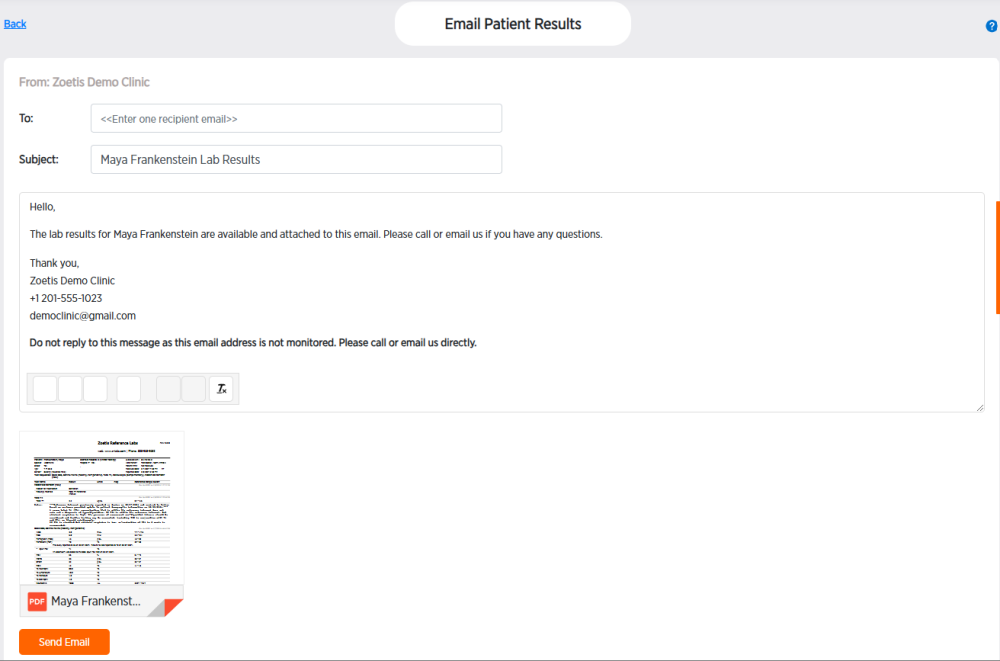
Enter an email in the To field. Only one email can be entered at a time.
-
Edit the Subject and body of the email, if desired.
-
Click the PDF result attachment to review it, if desired. The attachment will be the original ZRL report.
-
Click Send Email or click Back at the top of the page to exit without sending. If the client cannot find the email, have them check their spam folder.