Checking your VS2 rotor credits
Follow these steps to check your VS2 rotor credits.
Note: If you are located in a region that does not yet have VS2 rotor credits support, you will not see this area in ZoetisDx.
-
Choose Support in the side menu.
-
Click VS2 Rotor Credits.
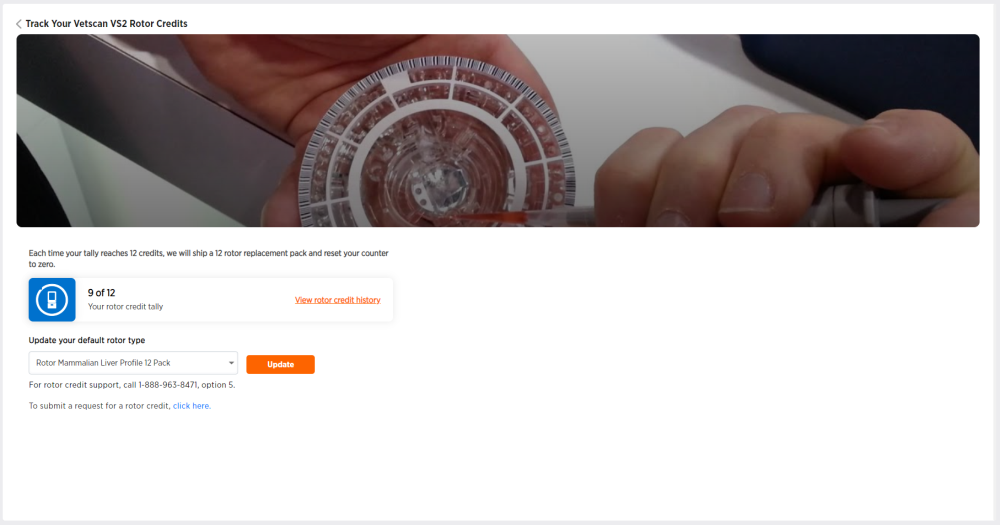
Your current rotor credit tally out of 12 is displayed. Each time your tally reaches 12 credits, a 12 rotor replacement pack will be shipped and your counter will reset to zero.
From this page, you can also: