Viewing test results
Follow these steps to view test results.
-
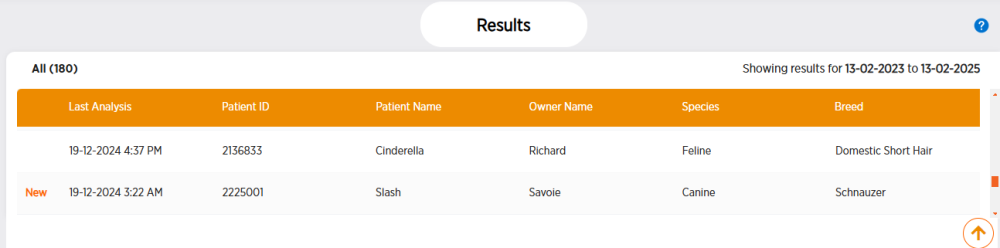
Click Results in the side menu. Results are sorted by patient. You can use the Filters section to filter results.
-
If any test results for the patient are new, New will display at the beginning of the row.
-
-
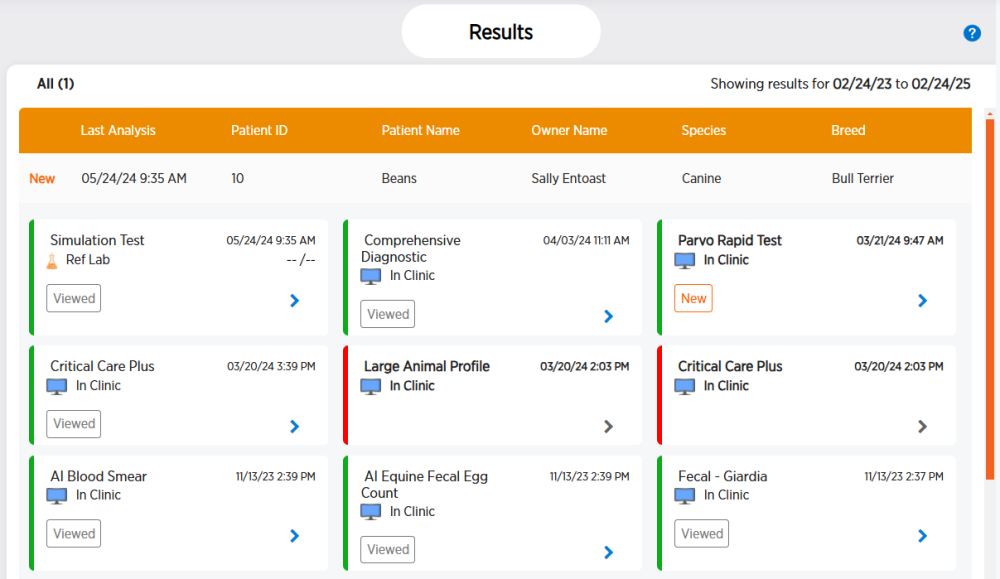
Click the desired patient row to view test result cards.
-
Completed tests have a green bar along their left side. Canceled tests have a red bar.
-
-
-
To view the patient's history, click
 .
. -
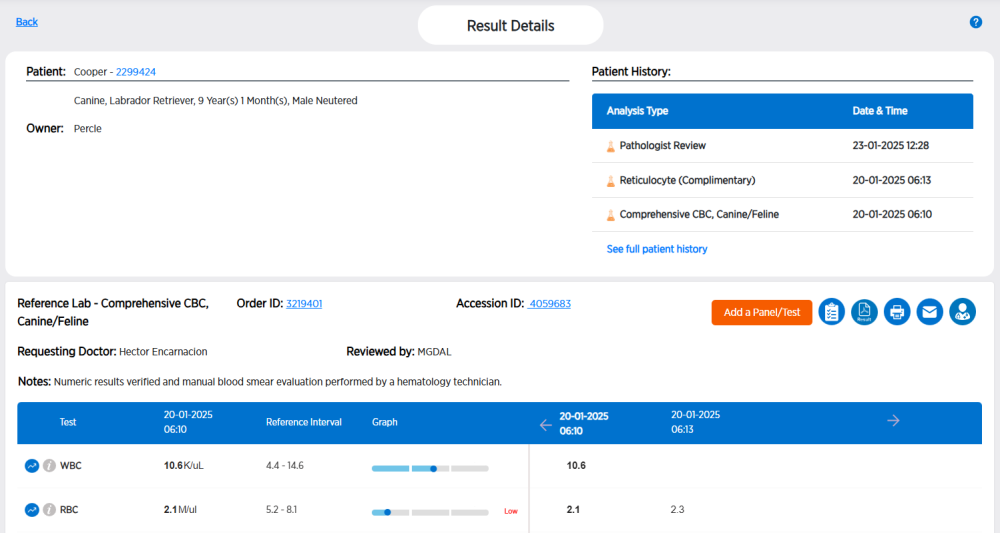
To get details for a test, click
 .
.
For more information on what you can do from the Result Details page, see: